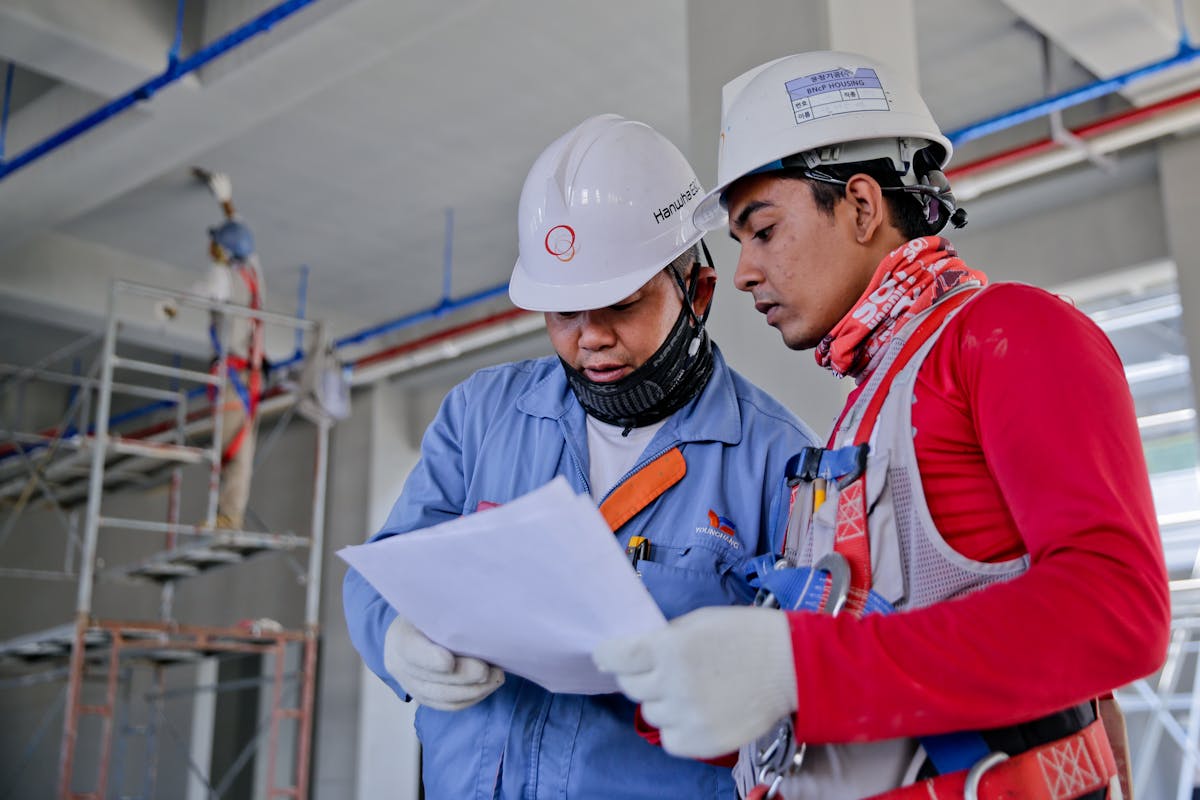
Risk assessment system team reviewing workplace hazards
Risk Assessment System

Risk Assessment System

A practical digital risk assessment guide for managing hazards, task risks, controls, risk ratings, residual risk, additional controls, responsible persons, review dates and SHEQ compliance evidence.

What is a risk assessment system?

A risk assessment system helps a company identify hazards, assess risks, record controls and review whether the risk is managed properly. It creates a structured way to document the task, the hazard, the possible harm, the people exposed, the existing controls and any additional controls needed.

Risk assessments are important because they help the business understand what can go wrong before work starts. Instead of only reacting after an incident, a proper risk assessment system supports planning, prevention, communication, monitoring and review. In a SHEQ environment, risk assessments also support inspections, audits, training, contractor control and legal compliance records.

Why risk assessment control matters

  • Hazards must be identified before employees or contractors are exposed.
  • Risk controls must be clear, practical and reviewed.
  • High-risk tasks need stronger control and better evidence.
  • Risk assessments should be updated when work changes.
  • Audit and inspection findings often link back to missing or weak risk controls.

Workplace risk assessment and hazard review

What a Risk Assessment System Helps Control

A good risk assessment system keeps the full risk record visible from hazard identification to control review.

Hazards Identify unsafe conditions, unsafe acts, energy sources and workplace exposures.
Risk Ratings Rate initial and residual risk so the level of risk is visible.
Controls Record current controls, additional controls and responsible persons.
Reviews Keep review dates, changes, updates and re-assessment records structured.

Risk Assessment System Features

A proper digital risk assessment system should support practical day-to-day risk control, not only store a final PDF.

Hazard identification and risk assessment meeting
Hazards

Hazard Identification

Record hazards linked to the task, area, equipment, chemical, vehicle, contractor work or operational activity.

Open inspection page
Risk rating review and control planning
Rating

Risk Rating Control

Rate initial risk and residual risk so the team can see if the controls reduce the risk to an acceptable level.

Open audit page
Risk control documentation and review
Controls

Control Measures

Record engineering controls, administrative controls, PPE requirements, training, permits and supervision controls.

Open safety file page
Responsible person and corrective action tracking
Responsibility

Responsible Persons

Assign owners for additional controls, reviews, actions, risk updates and task-specific control measures.

Open contractor page
Risk assessment review and action tracking
Actions

Additional Controls

Track extra actions needed where existing controls do not reduce the risk enough.

Open legal page
Training linked to risk assessment controls
Training

Training Linked to Risk

Connect risk controls to training, inductions, competence, toolbox talks and safe work communication.

Open training page

Risk Assessment Process

A risk assessment system should support the full process from task selection to review.

1

Select task

Identify the task, activity, area, equipment, project or contractor work that needs assessment.

2

Identify hazards

List hazards such as moving machinery, working at heights, chemicals, vehicles, electricity or manual handling.

3

Rate initial risk

Assess the possible consequence and probability before considering the effectiveness of controls.

4

Add controls

Record existing controls and additional controls needed to reduce the risk to an acceptable level.

5

Review risk

Review residual risk, responsible persons, due dates, legal references and follow-up evidence.

Common Risk Assessment Areas

Risk assessments can be used across many workplace activities and SHEQ system areas.

Construction task risk assessment
Construction

Project & Construction Work

Assess work at heights, excavations, power tools, lifting work, hot work, vehicles and contractor activities.

Office and workplace risk assessment
Workplace

Office & General Workplace

Assess ergonomic risks, slips, trips, electrical risks, emergency access, housekeeping and general work activities.

Training and risk control communication
Training

Training & Communication

Use risk assessments to guide inductions, toolbox talks, method statements and safe work communication.

Risk Ratings and Control Levels

A digital risk assessment system helps users see how the risk changes after controls are applied.

Initial Risk

The risk level before controls are applied or before the effectiveness of controls is confirmed.

  • Consequence rating
  • Probability rating
  • Uncontrolled exposure
  • Priority for action

Existing Controls

The controls already in place to reduce the likelihood or severity of harm.

  • Procedures
  • Training
  • Supervision
  • PPE and equipment

Residual Risk

The risk level after controls are applied and reviewed for effectiveness.

  • Remaining risk
  • Additional controls
  • Responsible person
  • Review date

Manual risk assessments vs digital risk assessments

Manual risk assessments are often created in Word, Excel or PDF format and then saved into folders. This can become difficult when the company has many tasks, departments, sites, assets, contractors and review dates. A risk assessment might be copied from an old file, but the task, controls and responsible persons may no longer be accurate.

A digital risk assessment system makes it easier to keep risk information structured. Users can work from one system layout that captures the task, hazard, risk, controls, ratings, legal references, additional controls and review information.

Digital risk assessment benefits

  • Less duplication of old risk assessment documents.
  • Clearer control over review dates and responsible persons.
  • Better connection between risks, inspections and audit findings.
  • Faster access to risk records during safety file reviews.
  • More consistent format for SHEQ teams and management review.
Digital risk assessment system and SHEQ records

How eSHEQ Comply Supports Risk Assessments

eSHEQ Comply links risk assessments with audits, inspections, safety files, contractors, training, assets and legal compliance.

Risk assessments linked to SHEQ evidence

A risk assessment is not just a standalone document. It connects to training, inspection findings, audit findings, legal requirements, contractor activities, equipment control and safety file evidence. eSHEQ Comply helps keep these records within one SHEQ system structure.

  • Task, hazard and risk information.
  • Initial consequence and probability ratings.
  • Controls and additional controls.
  • Legal references and responsible persons.
  • Review dates and updated records.
  • Links to inspections, audits, contractors and training records.

Better visibility for risk follow-up

Risk assessments are only useful when controls are implemented and reviewed. eSHEQ Comply helps users see which risk records need attention, which additional controls are required and which records should be reviewed before work continues.

  • Less searching through old files.
  • Clearer review of high-risk tasks.
  • Better evidence for audits and safety file reviews.
  • Improved communication of controls to employees and contractors.
  • More structured risk information for management decisions.

Open Related eSHEQ Comply Pages

Use these pages to learn more about the SHEQ system areas connected to risk assessments.

SHEQ System South Africa

Main SHEQ system guide

Read the main guide for companies searching for SHEQ software and compliance systems in South Africa.

  • SHEQ system overview
  • Compliance structure
  • System modules

Safety File System

Risk records and site evidence

Risk assessments often form part of safety files and contractor compliance evidence.

  • Safety file records
  • Task risk assessments
  • Site evidence

ISO Audit System

Audit findings and risk controls

Audit findings often identify weak risk controls, missing reviews or incomplete risk assessment evidence.

  • Audit questions
  • Findings
  • Corrective actions

Training Matrix System

Training linked to risk controls

Training, competency, inductions and toolbox talks help communicate risk controls to workers and contractors.

  • Competency records
  • Inductions
  • Toolbox talks

Risk Assessment System Questions

Simple answers for users searching for risk assessment software and digital risk control systems.

What is a risk assessment system?

A risk assessment system helps manage hazards, risks, controls, risk ratings, responsible persons, review dates and risk control records.

Can eSHEQ Comply manage risk assessments?

Yes. eSHEQ Comply can support task risk assessments, hazards, controls, risk ratings, additional controls, responsible persons and review records.

What should a risk assessment include?

A risk assessment should include the task, hazard, risk, people exposed, existing controls, risk rating, additional controls and review information.

What is residual risk?

Residual risk is the remaining risk after controls are applied. It shows whether the risk has been reduced enough or needs more controls.

How often should risk assessments be reviewed?

Risk assessments should be reviewed when tasks change, incidents happen, controls change, legal requirements change or scheduled review dates are reached.

How does risk assessment link to audits?

Audits often check whether risk assessments are current, whether controls are implemented and whether evidence exists to prove risk control.

Need a Risk Assessment System?

eSHEQ Comply helps businesses manage hazards, risks, controls, risk ratings, residual risk, additional controls, responsible persons, review dates, inspections, audits and SHEQ evidence.